How to make an AI short drama, step by step
A short drama series looks simple on screen, but it has a lot of moving parts: a story with hooks, characters who look the same in every scene, dialogue timed to the shot, and subtitles for every language you want to reach. Here is how to make AI videos that hold together as a series, from a single sentence to a finished episode.
Ways to start
Most Dramai projects start from one sentence; a talking pet starts from a photo. What changes is how often it stops for you.
- AI movie makerWrite one line and pick 15, 30 or 60 seconds. Dramai runs on its own until the first frames are ready, then stops once so you can check the credits before filming.
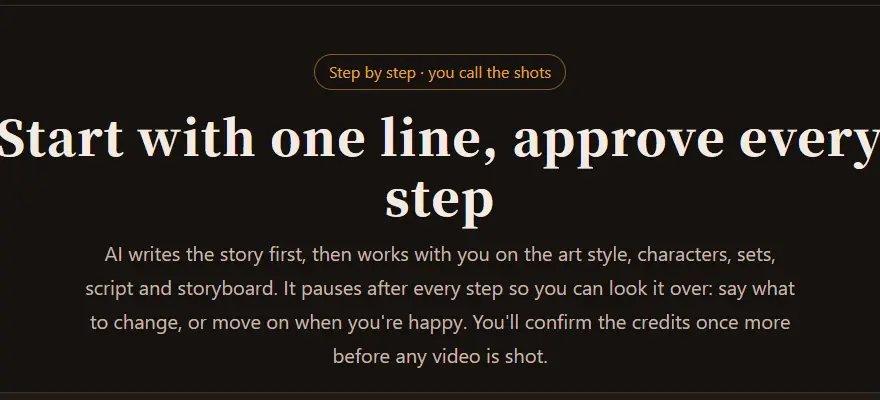
- Step-by-step AI filmmakingSame start, but it stops after the story, art style, characters, sets and props, script and storyboard. Change anything by chatting, then approve each step.
- A full series in the studioPlan up to 30 episodes and work through each one card by card. This is the process described step by step below.
- Talking petUpload a photo of your cat or dog, pick a moment and a voice, and get a 10 or 15-second video of your pet talking.
- Daily ComedySet up a cast once. Every day AI suggests new ideas for them, and you shoot an episode with the same characters.
Not sure what to make? See 8 short film ideas you can start from
Want to tell a true story instead? See how to write a memoir and turn it into a film
The one-line short, step-by-step filmmaking and the series all go through the same steps. Here is each one in detail.
Step 1: Start with one sentence
Give your show a title and say who the main character is and what happens to them. “A delivery rider finds an old phone that receives tomorrow’s news” is enough. Pick up to a few genres if you like, or skip them. Dramai writes three story directions from your line, and you choose the one to develop.
Step 2: Outline the series
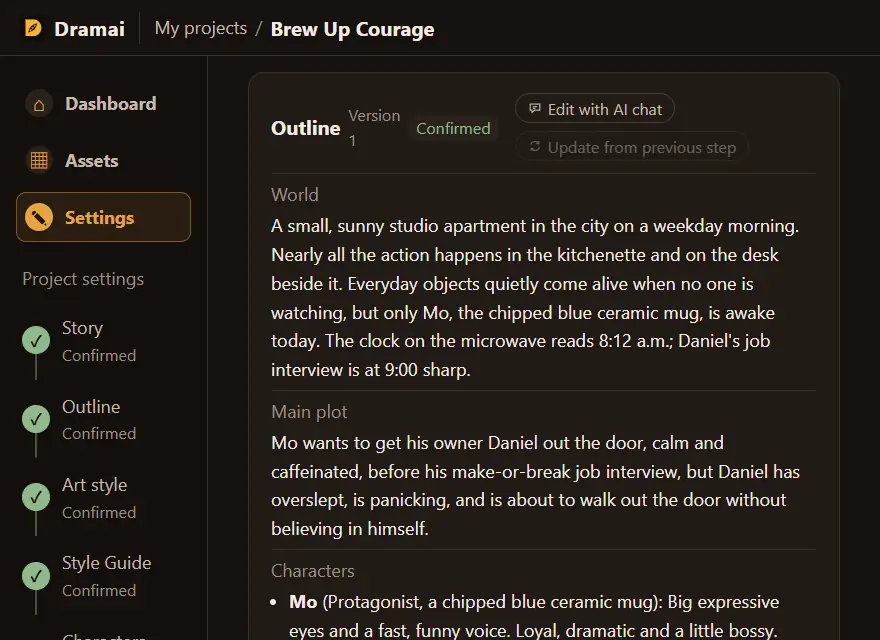
Dramai turns your chosen direction into a series outline. You decide how many episodes you want, up to 30, and you can add more later. Good short dramas end each episode on a question, so check that every episode gives viewers a reason to tap the next one.
Step 3: Pick an art style
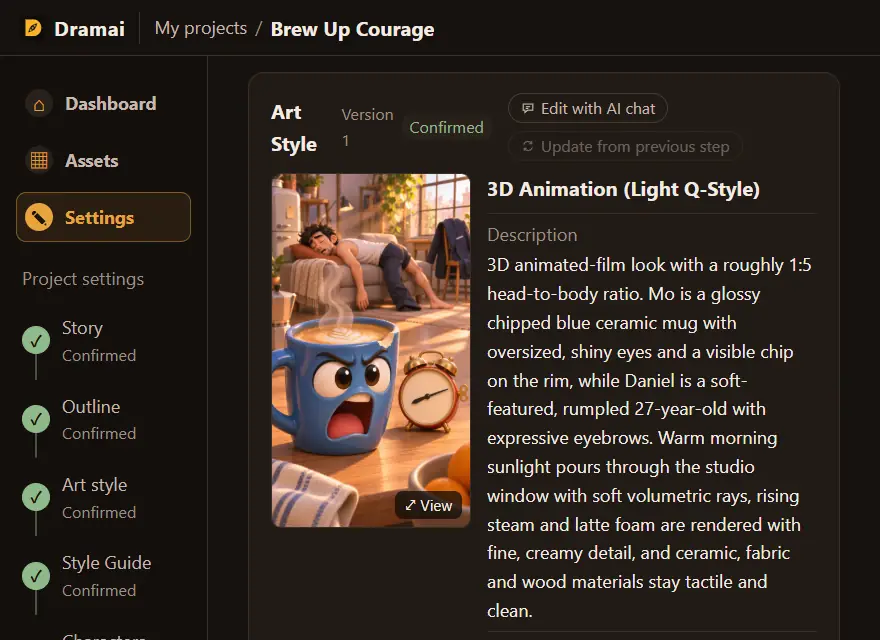
Choose the look of your show before any images are made. Dramai saves it as a style guide, so episode 10 looks like it belongs with episode 1.
Step 4: Create characters, scenes and props
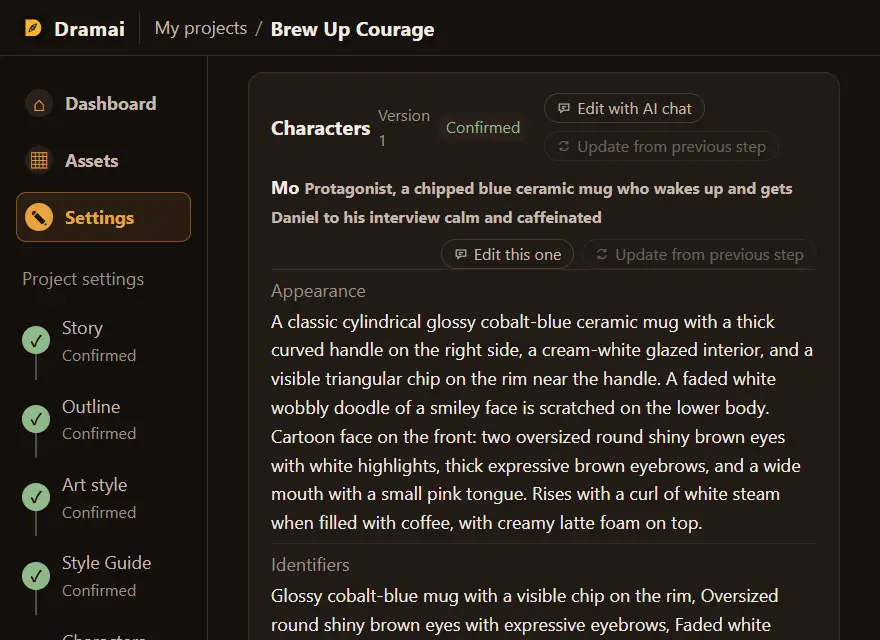
This is the step that makes a series feel like a series. Create a character sheet for each lead, then build the locations and props they use. These become the references for every later shot, which is how the same face and outfit carry across scenes and episodes. Then plan what happens in each episode.
Step 5: Write the script and storyboard
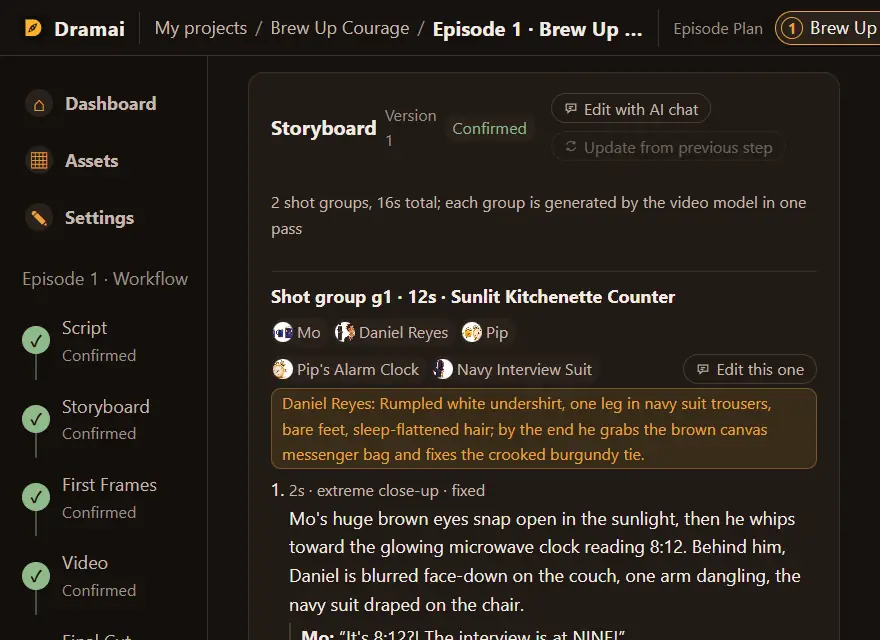
Each episode gets a script and a shot-by-shot storyboard, with shot sizes, camera moves, action and dialogue. Read it like a director. If a scene drags, tell Dramai what to change in the chat. When an edit affects later steps, it shows you what will change before it does.
Step 6: Generate first frames, then video
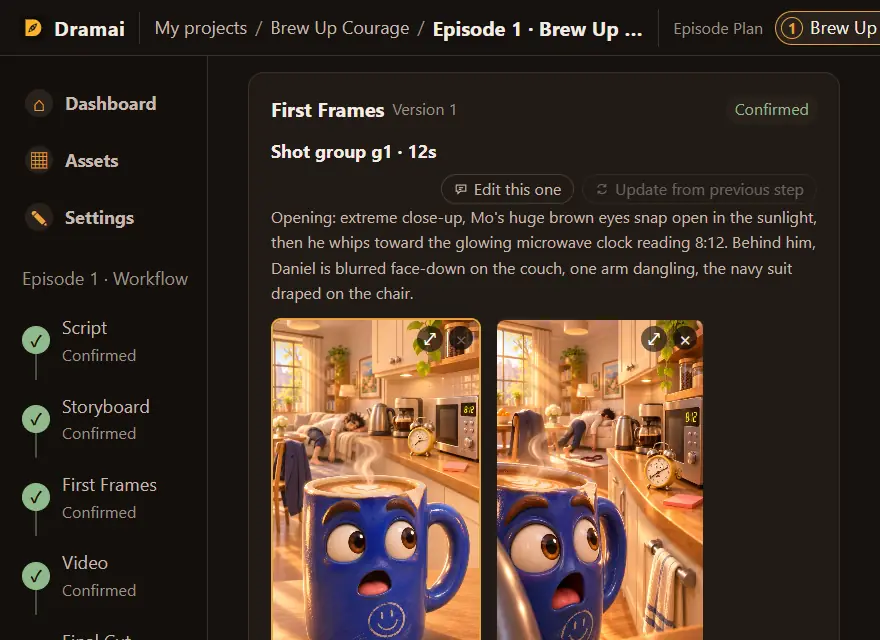
Compare first frames for each shot group and pick the best one before you spend credits on video. Video is charged per second, and Dramai shows the credits needed before each job. Render a cheaper draft at 480p to check the result, then use 720p for the final version.
Step 7: Add subtitles and dubbing, then export
Assemble the final cut, then add subtitles in any of 12 languages. Dubbing is available in 10 languages, so one episode can reach viewers well beyond its original language. Export the finished episode and post it to TikTok, YouTube Shorts or Instagram Reels.
How many credits does it take?
New users get 200 free credits, enough to take episode 1 from one idea to a script, characters and storyboard frames. Video and dubbing use more credits, depending on length and settings. Dramai always shows the cost before an image, video or dubbing job, and refunds it automatically if the job fails.
Common questions
- Do I need filming or editing experience?
- No. If you can describe a story, you can start. Knowing the basics of how to make a short film helps, because you make the same decisions a director makes: what the audience sees, and when.
- Can I change something after generating it?
- Yes. Every step can be edited. Dramai flags the later steps that are affected so you can update them.
- What format are the videos?
- Vertical 9:16, made for phones, up to 720p.