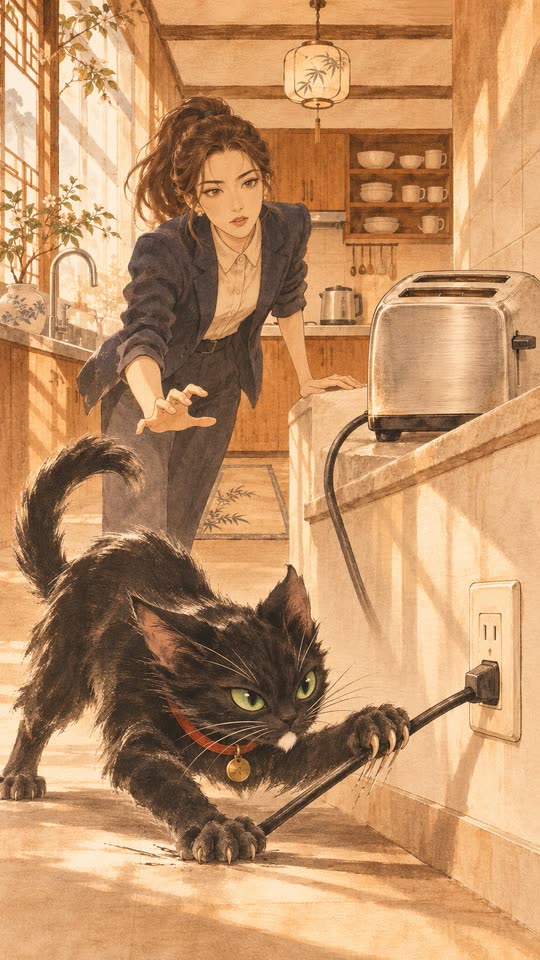
Why characters drift in AI video
Most AI video tools treat every prompt as a fresh start. Ask for “a tired sailor in a brown jacket” twice and you get two different sailors. That's fine for a single clip, but a short drama asks viewers to follow one person through dozens of shots. If the face, hairline or jacket changes, the story breaks.
How Dramai keeps them the same
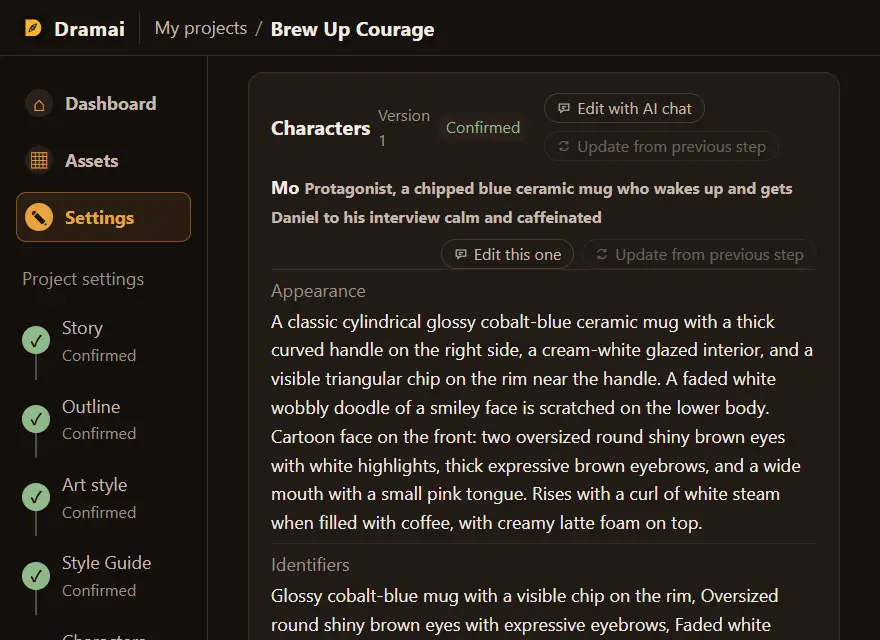
- A written character sheet. Each character gets a detailed appearance description: age, build, face shape, eyes, hair, outfit and the small details that make them recognizable, such as a mole, a hair clip or a bandage on one finger.
- Identifiers. Dramai picks out the few features that must never change, so they are carried into every scene, storyboard and video prompt.
- Reference images you choose. You generate character images, compare the versions side by side and lock the one you want. Later shots use your locked version as the reference.
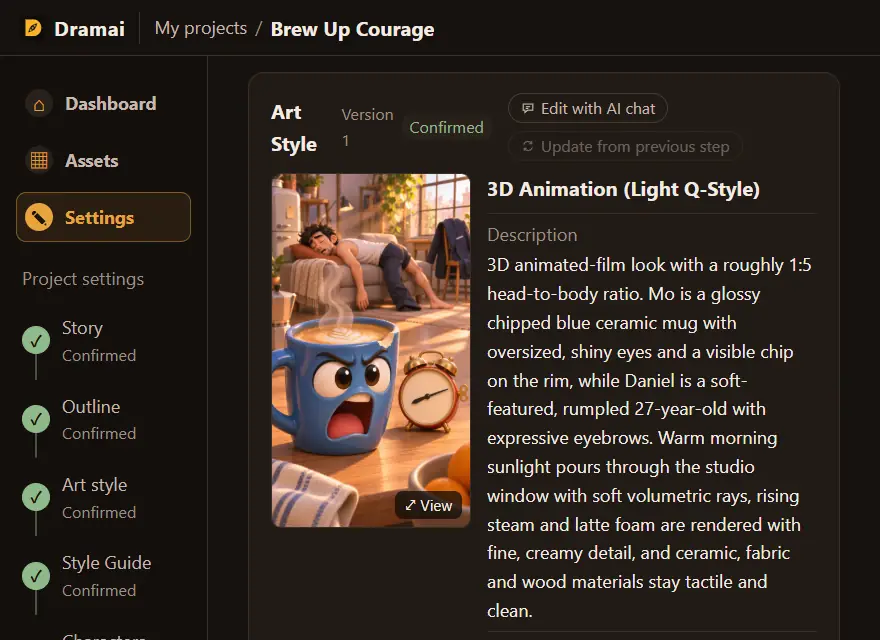
- One art style for the whole series. The look of the show is saved as a style guide before any shots are made, so lighting, color and rendering style match from episode 1 to episode 30.
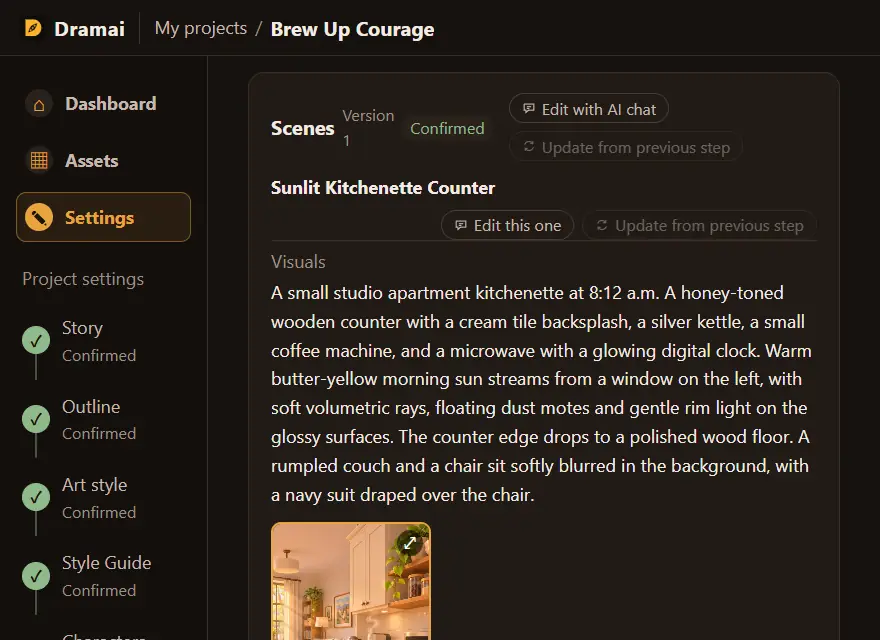
- Scenes and props, too. Locations and important objects get their own references, so the classroom, the cabin or the carved stake looks the same every time it appears.
- A consistent voice. Add a 2 to 30 second clip of a character speaking, and Dramai uses it to keep that character's voice consistent in generated video and in dubbing.
Check before you spend credits
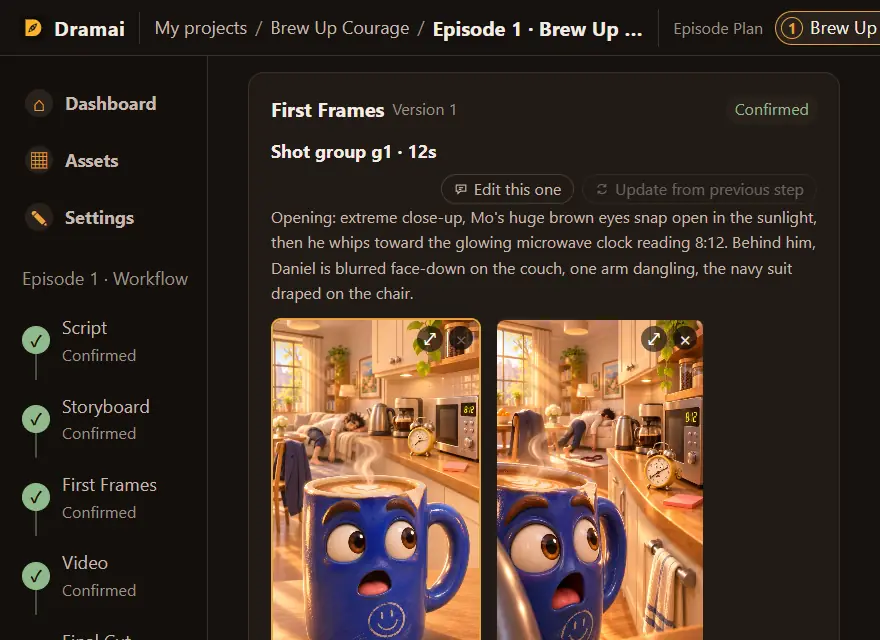
Video is the expensive step, so Dramai lets you compare first frames for each shot group before generating video. If a face looks off, pick another frame or regenerate that one, instead of finding out after the video is done.
If you change a character later, for example a new outfit for the second half of the series, Dramai lists the scenes and episodes that would change and shows you the estimated credits before anything is regenerated.
Tips for characters that hold up
Good character design does as much for consistency as any tool. A character who is easy to describe is easy to keep the same.
- Give each lead one signature detail. A red bow tie, a scar or a pair of headphones helps viewers, and the model, recognize them instantly.
- Make the cast look different from each other. Different builds, hair colors and outfits keep two characters from blending together in a wide shot.
- Lock the look early. Settle faces and costumes before writing the storyboard. Changing them later means regenerating more shots.
See it in a real series
Keeper of the Flame: Jim's face, clothes and injuries carry over from one episode to the next.
Common questions
- Is this a standalone AI character generator?
- No. Characters are generated inside a Dramai project, because the point is to reuse them across scenes and episodes. There isn't a separate tool for making single images.
- Can I use the same character in every episode?
- Yes. You create each character once and Dramai reuses that character sheet and your locked reference in every scene and episode of the series.
- Can I change a character after the series has started?
- Yes. Edit the character and Dramai shows which later steps are affected and what regenerating them would cost, so you can update everything or only the parts you choose.
- Does character consistency also cover the voice?
- It can. Add a short voice clip for a character and Dramai uses it in generated video and in dubbing.