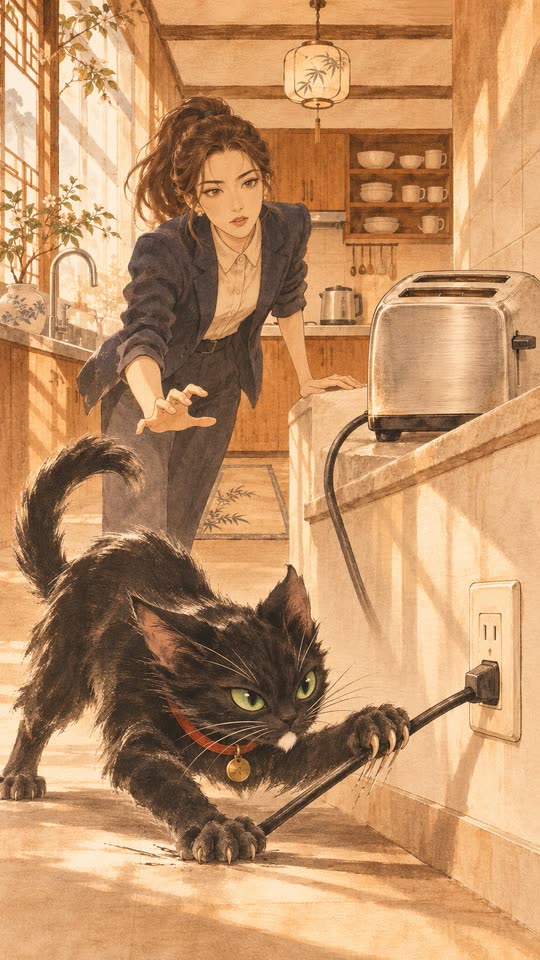
Stuck on the idea? Let the AI story writer start it
A blank box is the hardest part. Type a few words, such as “a cat runs the office”, or leave it empty, and Dramai's AI script generator writes three complete versions of the idea, each with a different direction: funny, a twist, or a heartfelt ending. Pick one and edit it, or ask for another round.
Every version covers what a viewer needs to follow a short film: who it's about and where, what sets things off, how it escalates, the turn, a clear ending, and where any key prop comes from. If you already wrote part of the story, like the ending, Dramai keeps it as written.
Before production starts, Dramai can also check your own idea against the same six points, tell you what a viewer might miss, and offer a fixed-up version. You choose whether to use it or shoot your idea as it is.
From one sentence to a series
- Story directions. Write who your story follows and what happens to them. Dramai suggests three directions, each with a logline, a tone and an audience.
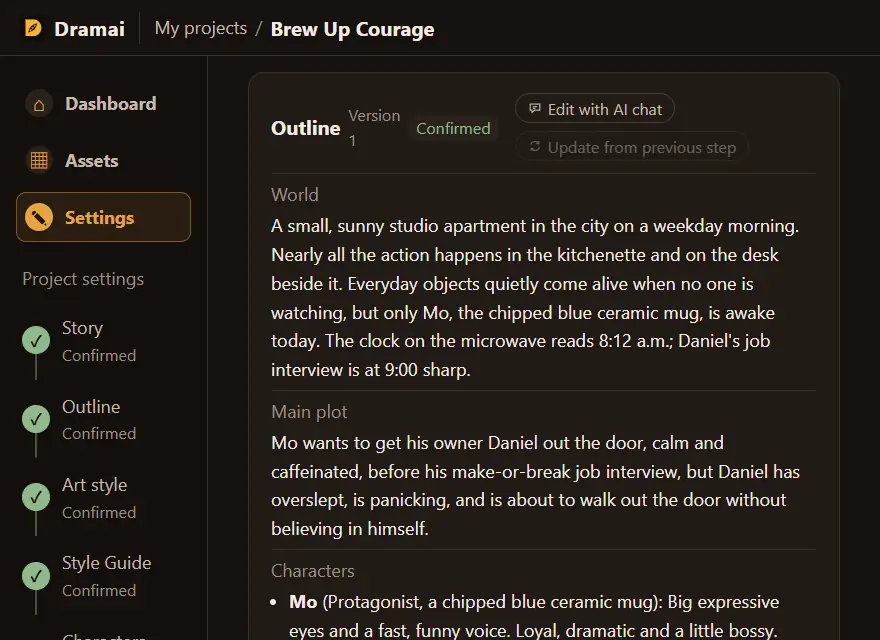
- Outline. The direction you pick becomes a series outline: the world, the main conflict, the cast and a summary and hook for each episode.
- Episode plan. Each episode gets a synopsis and the scenes and characters it uses, so you can see the whole series before writing a line of dialogue.
Episode scripts
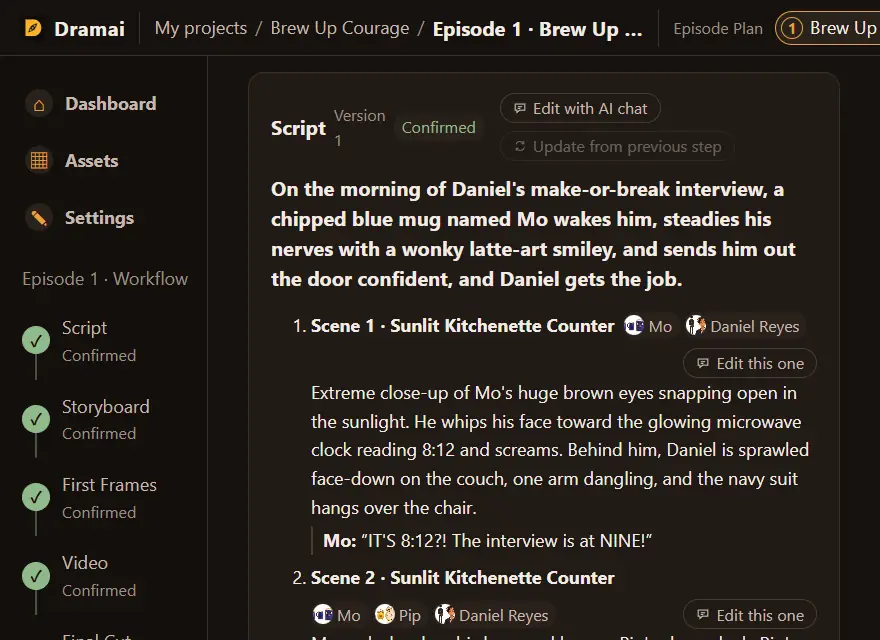
Each episode is written as a script in a familiar screenplay format, with scenes, action and dialogue, shortened for one-minute vertical episodes. Short dramas live and die by their first and last seconds, so check that the opening hooks and the final line asks a question.
Shot-by-shot storyboards
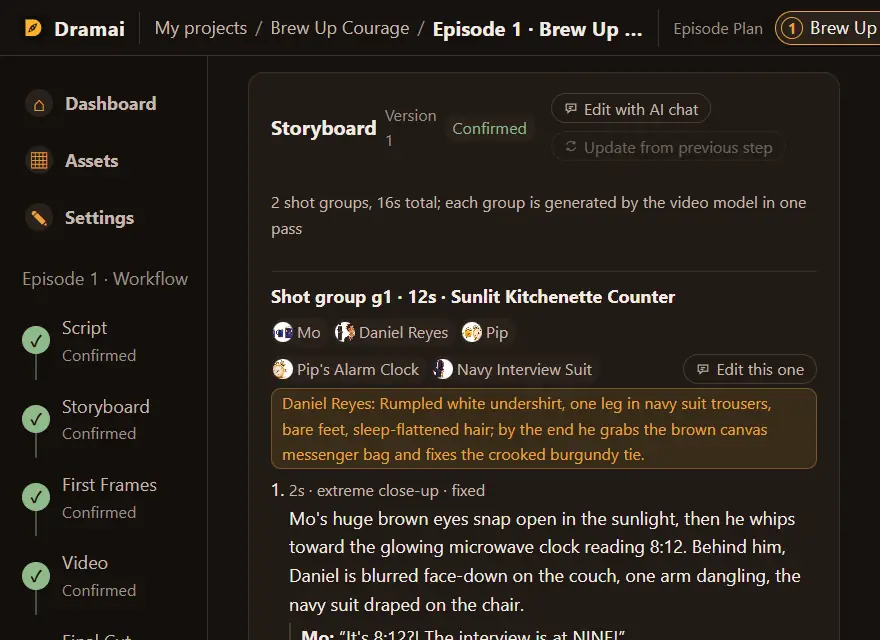
The script then becomes a storyboard. Every shot has a length, a shot size, a camera move, the action and the line being spoken. Shots are grouped into shot groups, and each group is generated by the video model in one pass, with its dialogue and ambient sound.
Edit by chatting
You don't have to edit fields by hand. Tell Dramai what to change in the chat, such as “make the opening faster” or “give Zhixia a line before she sits down”, and it rewrites that part.
When a change affects later steps, Dramai lists every affected item before you confirm, and shows the estimated credits if paid steps like video or dubbing would need to be redone. You can update everything at once, update only selected parts, or discard the change.
Tips for scripts that work on a phone
- Hook in the first seconds. Open on a question or a surprise, not on scenery.
- One turn per episode. Change what the viewer thinks is going on at least once.
- End early. Stop right before the answer. The last line should create the next question.
See it in a real series
Yesterday’s Campus: A first day at school becomes a mystery in the final line.
Common questions
- Can the AI write the idea for me?
- Yes. Type a few words, or nothing at all, and tap “Write it for me”. Dramai writes three complete versions that take the story in different directions, and you pick one or keep editing. Anything you already wrote, such as how it ends, is kept.
- Can Dramai write a whole series from one idea?
- Yes. It turns one sentence into story directions, a series outline, an episode plan, scripts and storyboards, up to 30 episodes. You review and change each step.
- What's in a storyboard?
- Each shot has a length, shot size, camera move, action and dialogue. Shots are grouped for video generation.
- Does writing use credits?
- Yes. Text generation is charged by actual usage. New users get 200 free credits, enough to take episode 1 from one idea to a script, characters and storyboard frames.