Seven steps, each one yours to approve
- Story. A title, a logline and the full plot with its ending. Ask for changes, or try a completely different direction.
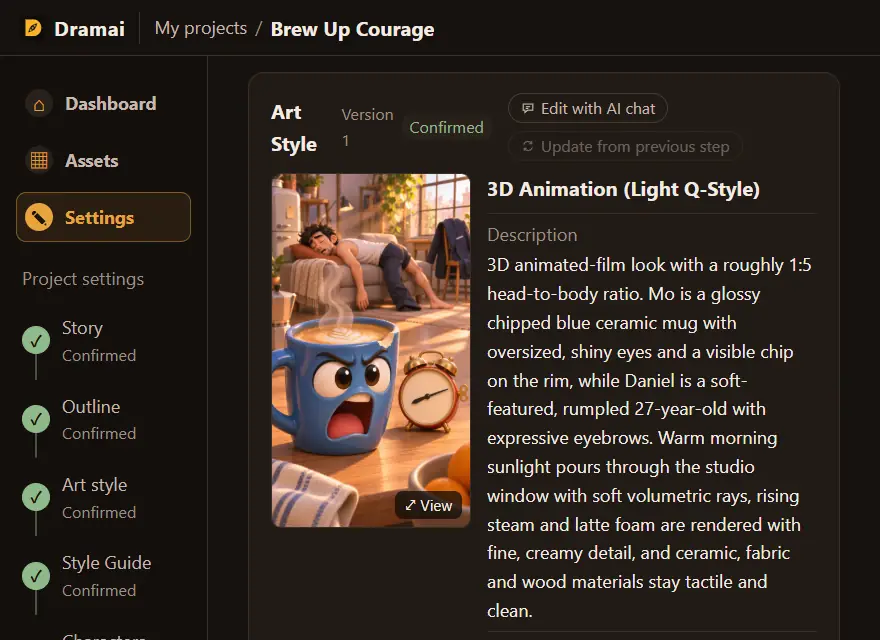
- Art style. Dramai suggests styles for your story and draws the same scene in each, so you compare pictures, not words. Pick a preset, describe your own look, or upload a reference image and let the AI copy its style.
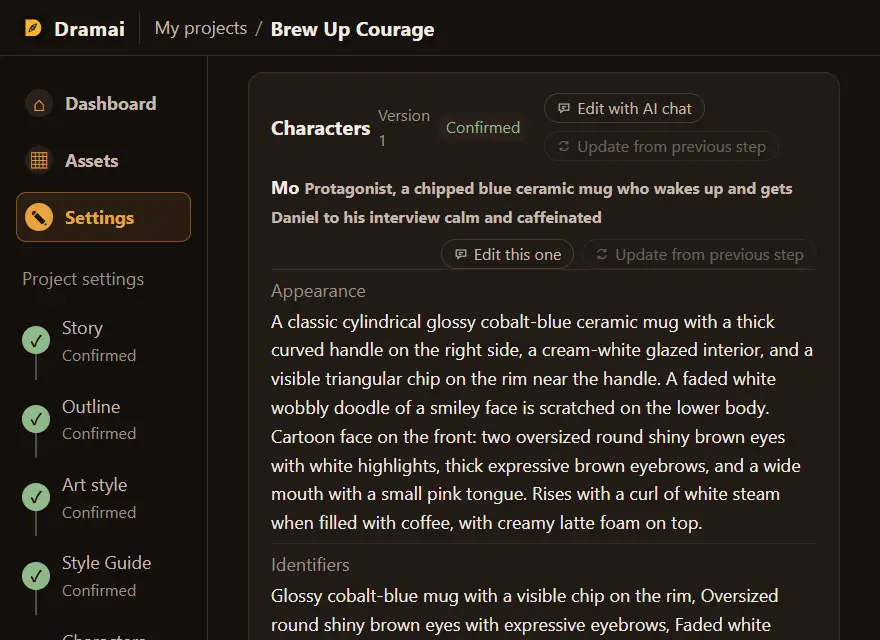
- Characters. A character sheet for each role. Every later shot is drawn from these, so check faces and costumes here. Change one character and only that one is redrawn.
- Sets and props. The main locations and key objects, one image each.
- Script. Scene by scene, with action and dialogue. Fix a line here and the storyboard is written from the new version.
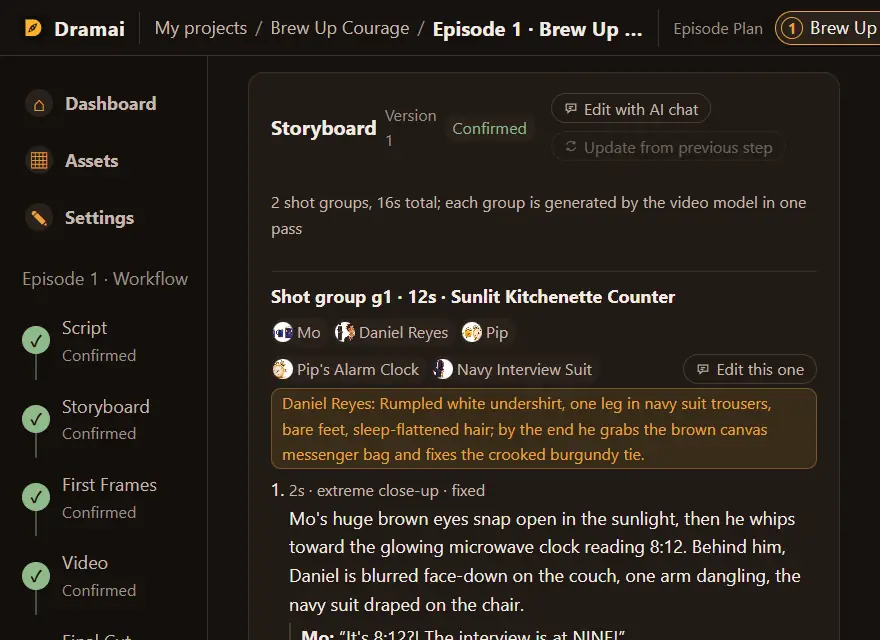
- Storyboard. Every shot with its length, shot size, the action and who is on screen. Point at a shot and say how to change it.
- Shoot. First frames are drawn and Dramai shows the estimated credits. Video is made only after you confirm.
Talk to the step you're on
Each step has its own chat. What you type changes only that step, so “make her hair shorter” on the characters step redraws one character, not the whole cast. The card shows what changed and the chat keeps the back-and-forth, so you can see how the story got here.
You can go back to any approved step. Change it, and Dramai returns to that step for your approval, then redoes the later steps from the new version.
An AI storyboard generator you can direct
The storyboard is where a short film is won or lost. Dramai sizes it to your target length and tells you when the story needs more time, so you can add seconds or trim scenes before anything is filmed.
Changed your mind about stopping at every step? Tap “Stop asking me” and Dramai runs the rest on its own, still pausing once before filming. You can also pause at any time, or open the project in the studio for detailed edits.
See it in a real series
Keeper of the Flame: Characters, sets and storyboard kept consistent across a whole series.
Common questions
- How is this different from the AI movie maker?
- Both start from one sentence and pause before filming. Step-by-step filmmaking also stops after the story, art style, characters, sets and props, script and storyboard, so you approve each one.
- Does each change cost credits?
- Text changes are charged by actual usage, usually a few credits. Redrawing an image or a style preview costs credits per picture. Video is only made after you confirm the estimate.
- Can I use my own art style?
- Yes. Describe the look in one sentence, or upload a reference image. Dramai only takes the style from the image, not what's in it.